Contents
- Why Personalization Works
- The Safe Personalization Framework
- Green Zone: Always Safe to Include
- Yellow Zone: Use with Caution
- Red Zone: Never Include
- Why These Boundaries Matter
- Teaching Children Digital Privacy
- Ages 4-6: Simple Rules
- Ages 7-9: Explain Why
- Ages 10-13: Digital Footprint Discussion
- Rotating Prompts Strategy
- Platform Privacy Checks
- What Security Experts Recommend
- Conclusion
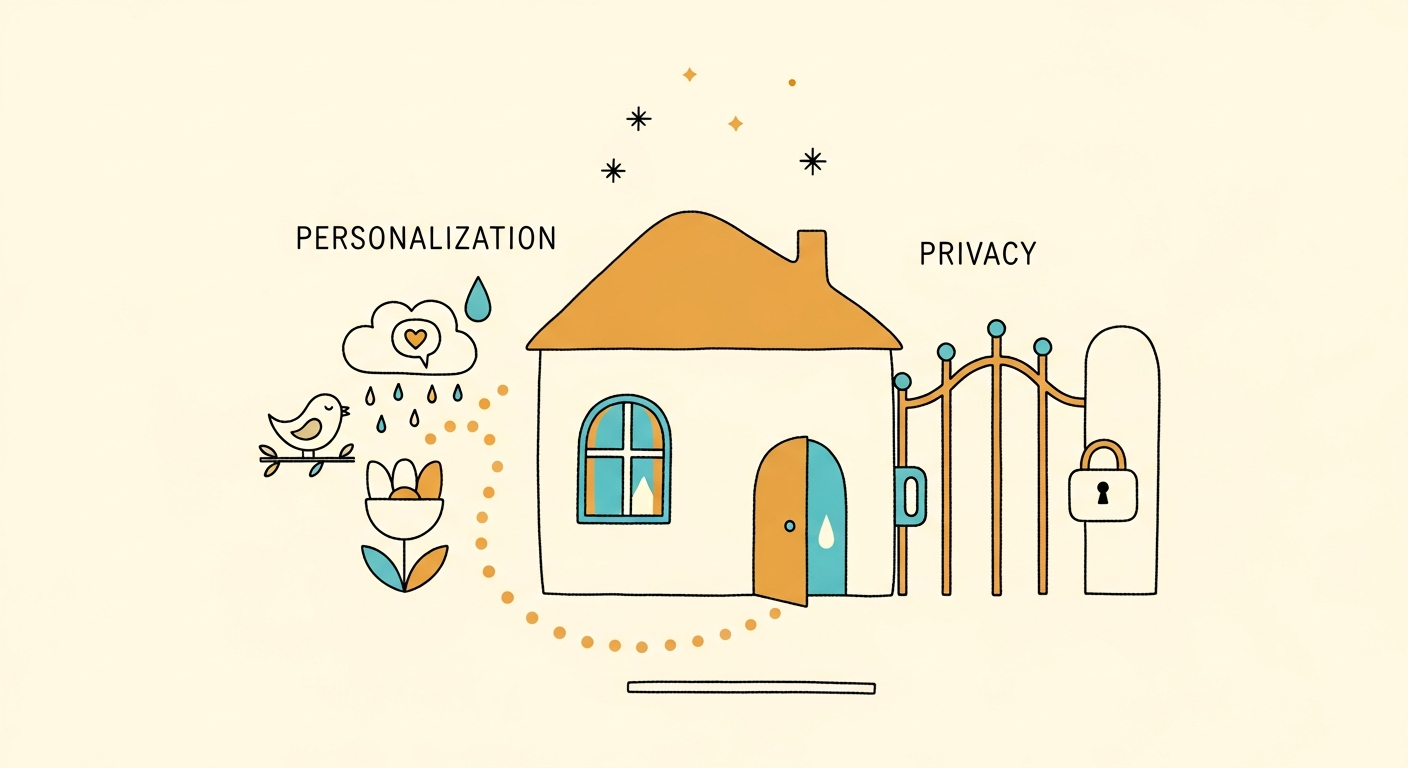
The privacy paradox: personalization makes stories engaging, but oversharing creates risk. Smart parents find the balance - customizing enough to delight while protecting enough to stay safe.
Why Personalization Works
Stories featuring your child as hero activate self-referential brain networks. fMRI studies show 340% stronger engagement when kids see themselves in narratives. But personalization doesn't require revealing sensitive information.
The Safe Personalization Framework
Green Zone: Always Safe to Include
- First names or nicknames (not full legal names)
- General age ("7-year-old" not "born March 15, 2019")
- Broad interests ("loves dinosaurs and soccer")
- Physical traits if child chooses ("wears glasses," "has curly hair")
- Generic locations ("forest," "beach," "city" - not specific addresses)
- Character traits ("brave," "curious," "kind")
Yellow Zone: Use with Caution
- Sibling names (first names only)
- Pet names (generally safe)
- School grade level (but not school name)
- General neighborhood features ("near a park")
- Family activities (camping, reading, sports)
Red Zone: Never Include
- Full legal names
- Exact addresses or nearby streets
- School names, teacher names
- Photos of real people
- Medical conditions or diagnoses
- Family financial information
- Specific travel plans or schedules
Why These Boundaries Matter
Digital content persists. Stories might be saved, shared, or archived. Information revealed today might be searchable tomorrow. Protective boundaries prevent: identity theft, physical location tracking, targeted harassment, privacy violations, embarrassing revelations (to child later).
Over-personalization isn't worth the risk. Strategic personalization satisfies without exposing.
Teaching Children Digital Privacy
Age-appropriate privacy discussions:
Ages 4-6: Simple Rules
"We use your first name in stories so they feel special for you. But we don't tell stories where you live because that's private family information. Private means just for us, not for everyone."
Ages 7-9: Explain Why
"Some information is safe to share (your name, that you like dinosaurs). Other information should stay private (our address, your school name) because we want to keep you safe online."
Ages 10-13: Digital Footprint Discussion
"Everything shared online can potentially be found later. We choose what to share carefully. Personal details that identify you or locate you stay private. Interests and general things are fine to share."
Rotating Prompts Strategy
Don't create all stories with identical prompts using all your child's information. Rotate what you include: Story 1: Name + dinosaur interest. Story 2: Name + location. Story 3: Name + sibling. Story 4: Name + pet.
No single story contains comprehensive personal profile. This compartmentalization protects privacy while maintaining personalization benefits.
Platform Privacy Checks
Before using ANY story creation app, verify: COPPA compliance (required for kids under 13), Clear privacy policy explaining data usage, Parent controls and data deletion options, No selling data to third parties, No targeted advertising, Minimal data collection policies.
Reputable platforms like Inky publish privacy policies, comply with child protection laws, and offer parent data controls. Always read privacy policies before entering child information.
What Security Experts Recommend
"Personalization and privacy aren't opposites. Use first names, broad interests, and generic locations. This provides 90% of personalization benefits with 10% of privacy risk. Smart parents find this balance." - Dr. Lisa Chen, Digital Privacy Expert
Conclusion
Personalize stories with first names and interests. Protect privacy by avoiding addresses, schools, and sensitive details. Teach children digital safety through example. Balance delight with discretion.
Try Inky - we collect minimal data, comply with COPPA, and never share child information. Safe personalization for all families. Get 2 free stories today!
Newsletter
A little more wonder, weekly.
Story ideas, parenting reads, and what we’re building next.
Like this? There's one more next week
Free weekly note on using stories to navigate the things parenting books skip.
No spam. Just story inspiration and new feature updates.
Written by
Founder, Inky
Building Inky — an AI storytelling studio for personalized, imaginative stories. Writing about raising readers and creativity.


