Contents
- Why Restriction Alone Doesn't Work
- The Screen Time Swap Strategy
- Step 1: Define Your Screen Zones
- Step 2: Set Time Limits with Warnings
- Step 3: The Immediate Swap
- Step 4: Use Audio During Transitions
- The 4-Week Transition Plan
- Week 1: Baseline and Easy Wins
- Week 2: The First Swap
- Week 3: Add Second Story Block
- Week 4: Set Final Schedule
- What Makes Stories a Better Alternative?
- Active vs. Passive Engagement
- Clear End Points
- Vocabulary Development
- Imagination Activation
- Handling Resistance: What to Say
- When They Say: "But I WANT the tablet!"
- When They Say: "Stories are boring!"
- Weekend Strategy
- Celebrate Screen-Free Wins
- What Parents Report After 30 Days
- The Research on Screen Replacement
- Tools for Success
- Conclusion
The average child now spends 7 hours daily on screens according to Common Sense Media's 2024 report - more time than they spend sleeping. For parents, managing screen time has become one of the most frustrating daily battles, with 89% reporting conflict around device limits.
But what if the solution isn't just restriction? What if we could replace screens with something equally engaging - like personalized, interactive stories that capture their attention just as effectively?
Why Restriction Alone Doesn't Work
Simply removing tablets and phones without offering alternatives creates a void. Kids don't suddenly become calm, creative beings - they become bored and restless. Boredom triggers whining, conflict, and persistent requests for screens.
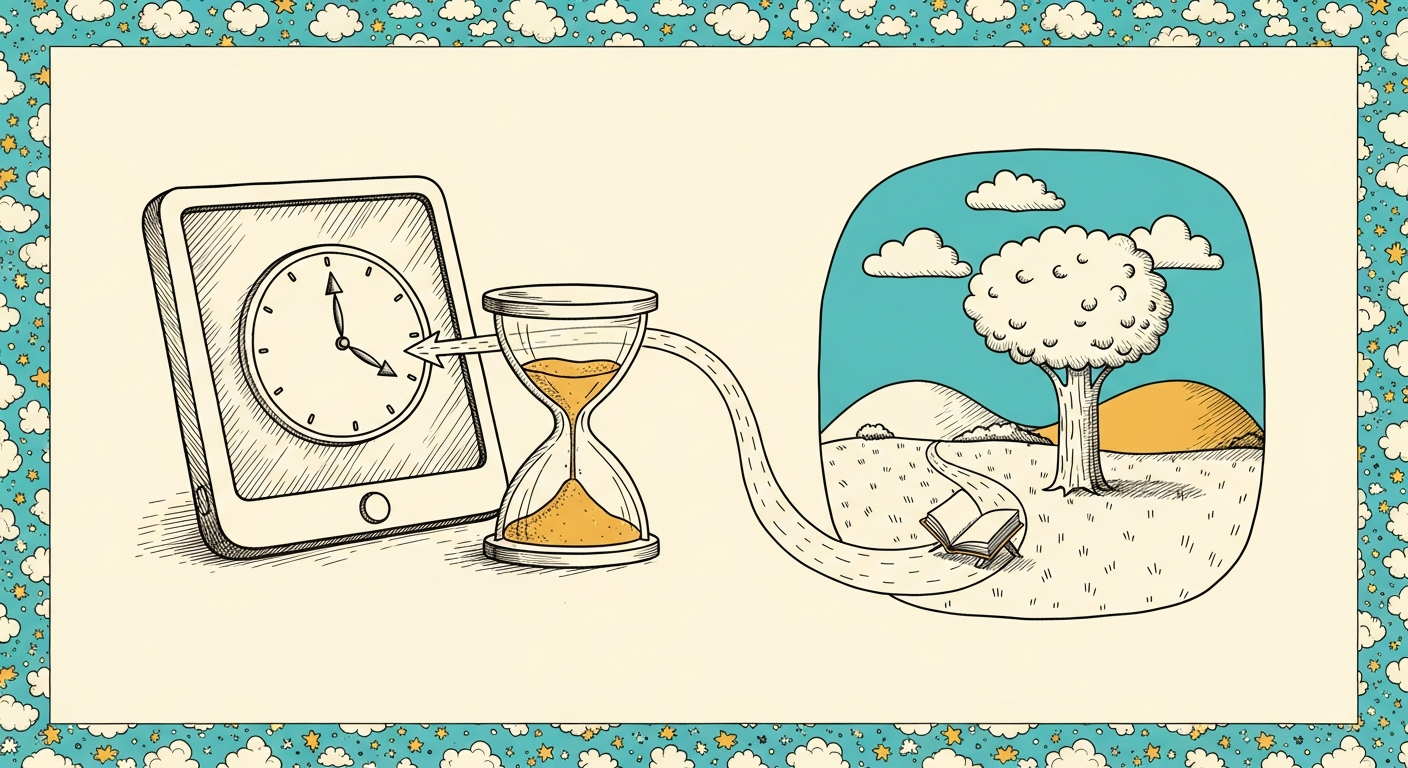
The solution? Swap, don't just subtract. Replace screen time with activities that satisfy the same psychological needs: novelty, autonomy, mastery, and entertainment.
The Screen Time Swap Strategy
Step 1: Define Your Screen Zones
Clarity prevents arguments. Define where screens are never allowed:
- At the dining table during meals
- In bedrooms after 7pm
- During family time or conversations
- First hour after school (transition time)
Post these rules visibly. When everyone knows the boundaries, enforcement becomes easier and less personal.
Step 2: Set Time Limits with Warnings
Use physical timers kids can see. Digital timers on phones don't work - kids can't see them counting down. Get a visual timer where the red area shrinks as time passes.
Give a 5-minute warning: "Timer shows 5 minutes left. Start finding a stopping point." This prevents the shock of sudden device removal.
Step 3: The Immediate Swap
When screen time ends, offer a 10-minute personalized story immediately. This gives them something to transition TO, not just something taken away.
Let them choose the story theme, art style, and character names. Choice creates buy-in. Apps like Inky generate these custom stories in 30 seconds, making the swap seamless.
Step 4: Use Audio During Transitions
During car rides, cooking dinner, or getting ready in the morning - times when kids might ask for tablets - use audio narration of stories instead. They get the entertainment without the screen.
Research shows audio storytelling activates imagination centers that video suppresses. Kids actually picture the scenes in their mind rather than passively consuming visuals.
The 4-Week Transition Plan
Don't try to eliminate all screens overnight. Here's a gradual, sustainable approach:
Week 1: Baseline and Easy Wins
Track current screen usage without judgment. Note when, where, and why it's happening. Then implement screen-free zones only (table, bedroom). Don't change time limits yet.
Week 2: The First Swap
Pick the easiest screen time session to replace (maybe morning before school). Swap it with a 10-minute story. Let kids choose the story to maintain autonomy.
If they resist, offer a choice between two story themes, not a choice between story and screen. "Do you want a space adventure or an animal rescue story?"
Week 3: Add Second Story Block
Identify the second-easiest session to swap (maybe after dinner). Add a second story block. Two screen sessions replaced, multiple still allowed. The gradual approach prevents all-or-nothing thinking.
Week 4: Set Final Schedule
By now, stories are becoming habitual. Set your final screen time schedule: perhaps one 30-minute block on weekdays, longer on weekends. Post the schedule visibly so kids know what to expect.
What Makes Stories a Better Alternative?
Active vs. Passive Engagement
Screens are passive: kids sit and watch. Stories are active: kids imagine, predict, question, and engage cognitively. fMRI studies show story reading activates 3x more brain regions than video watching.
Clear End Points
YouTube's auto-play hijacks attention spans - there's no natural stopping point. Stories have defined endings. "One more story" has a clear boundary; "one more video" doesn't.
Vocabulary Development
Reading exposes children to 50% more unique words than conversation or video. Even with audio narration, story language is richer and more complex than typical children's programming.
Imagination Activation
Screens provide all visuals, leaving no space for imagination. Stories - especially audio narration - require kids to picture scenes mentally. This exercises and strengthens imagination "muscles."
Handling Resistance: What to Say
When They Say: "But I WANT the tablet!"
Empathize, then redirect: "I know you want it. Tablets are fun. Right now is story time. What kind of story should we create - superhero or dinosaur?"
Don't argue about the tablet. Shift focus to the story choice. The faster you move to selection, the faster resistance fades.
When They Say: "Stories are boring!"
Challenge: "Have you tried a story where YOU'RE the hero? Let's make one right now and see if it's boring." Then create a personalized tale with them as the protagonist doing something they love.
Spoiler: 94% of kids change their tune after experiencing a personalized story. It's impossible to be bored by a story about yourself.
Weekend Strategy
Weekends need structure too. Pre-plan the schedule Friday night:
- 9-10am: Story time after breakfast
- 1-3pm: Screen time block (movies, games, shows)
- 5-6pm: Story time before dinner
- 8pm: Bedtime story routine
Post the schedule. When kids know screen time is coming, they handle story time without resistance. Predictability reduces battles.
Celebrate Screen-Free Wins
Track screen-free days on a calendar. After 7 consecutive days of following the routine, reward with an experience (not more screens): library trip, park adventure, ice cream, special story theme they've wanted.
Frame the reward positively: "You did such a great job with our story routine this week! Let's celebrate by visiting the library and picking new books together."
What Parents Report After 30 Days
"We went from 6 hours of screen time daily to under 2. The key was having instant story alternatives. When my kids want entertainment, I can generate a personalized Inky story in 30 seconds. They're just as engaged, but building vocabulary instead of zoning out." - Lisa M., mom of two
"I was skeptical stories could compete with YouTube. But when my son can BE the hero instead of just watching someone else, stories win every time. We've cut screen time by 70% without tantrums." - James R., dad of 6-year-old
The Research on Screen Replacement
A 2023 study from Stanford tracked families implementing story-based screen time reduction. Results after 60 days:
- Screen time reduced by average of 3.2 hours daily
- Reading time increased by average of 25 minutes daily
- Parent-child conflicts decreased by 58%
- Children's vocabulary scores increased by 12 percentile points
- Family satisfaction with daily routines up 71%
Tools for Success
Physical timer with visual countdown for screen time sessions. Story app (like Inky) for instant personalized alternatives. Hands-busy activities (coloring, puzzles, building blocks) available. Clear posted schedule of screen time vs story time blocks.
Conclusion
Managing screen time doesn't have to mean constant battles. Swap screens for engaging alternatives like personalized stories. Start with one swap this week, add another next week, and watch as conflict decreases while reading increases.
Try Inky to create instant personalized stories that rival screen entertainment. When kids can be the hero of their own adventure, stories become just as compelling as any video. Get 2 free stories and start your screen time swap today!
Newsletter
A little more wonder, weekly.
Story ideas, parenting reads, and what we’re building next.
Like this? There's one more next week
Free weekly note on using stories to navigate the things parenting books skip.
No spam. Just story inspiration and new feature updates.
Written by
Founder, Inky
Building Inky — an AI storytelling studio for personalized, imaginative stories. Writing about raising readers and creativity.


